🕖 HEUTE: Mittwochs von 14 bis 20 Uhr
Anfahrt kostenlos
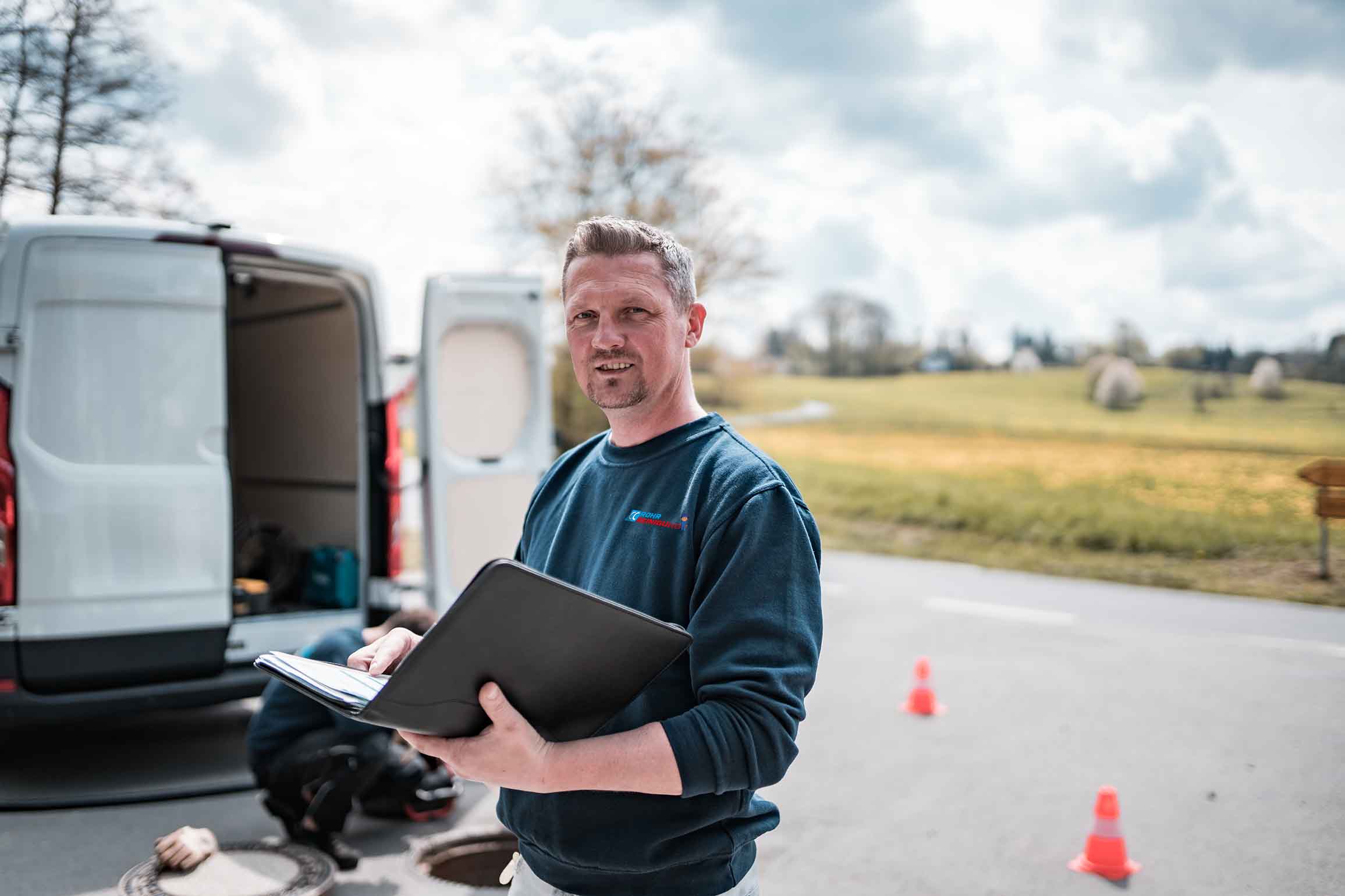




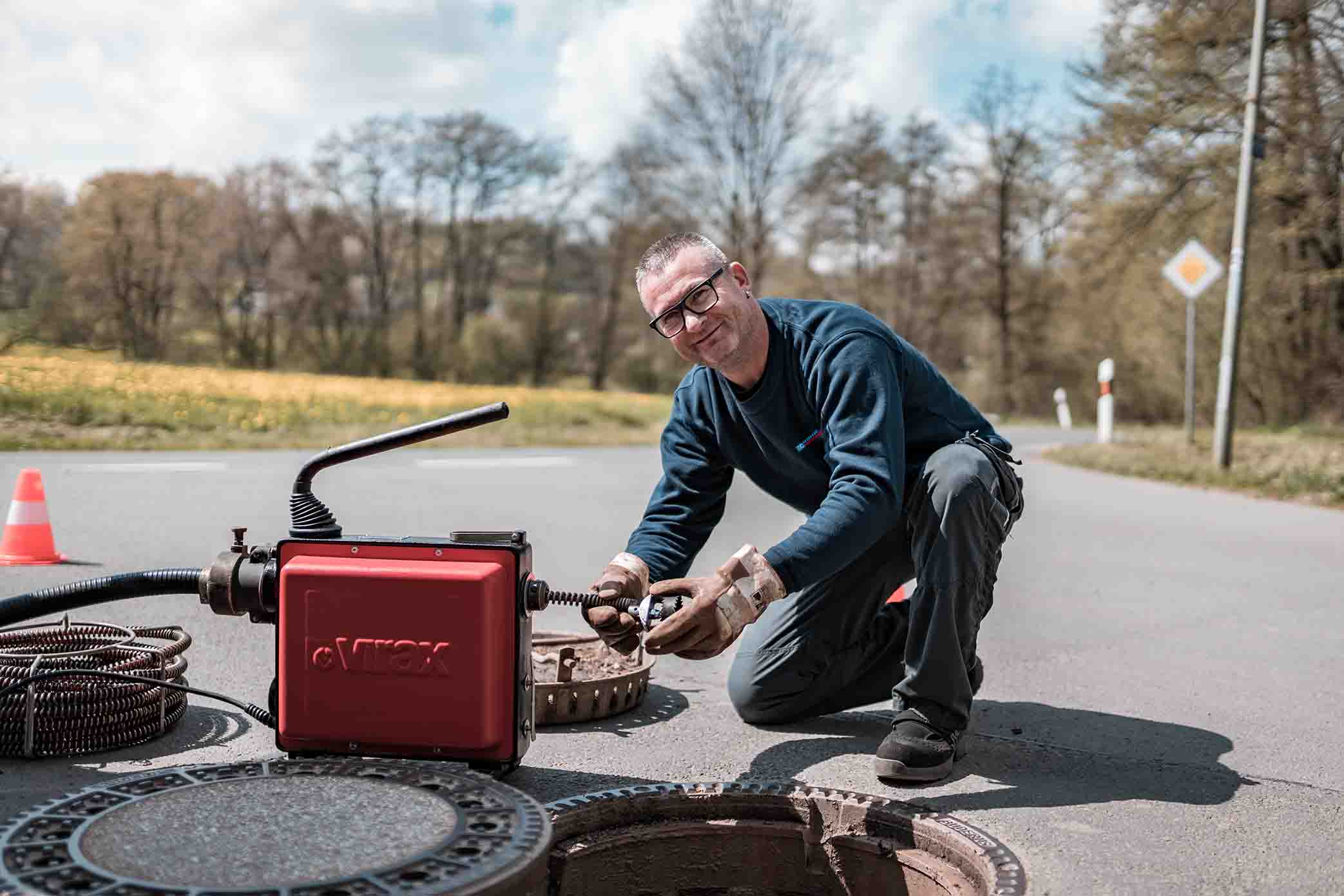
Erst das richtige Werkzeug befähigt fähige Mitarbeiter, Besonderes zu leisten.
Viele Mitarbeiter sind bereits seit über einem Jahrzehnt bei uns beschäftigt.
Wir sind immer für Sie erreichbar und beantworten persönlich Ihre Fragen.
CCRohrreinigung legt großen Wert auf hervorragende Qualität. Um diese zu erreichen, setzen wir auf drei entscheidende Faktoren: unser Fachwissen, unsere Erfahrung und unsere modernste Technik. Unsere Mitarbeiter sind fachlich versiert und routiniert im Umgang mit den neuesten Technologien, um Ihnen die bestmögliche Qualität zu bieten.
Überzeugen Sie sich selbst von der Qualität bei CCRohrreinigung!
Klicken Sie auf den unteren Button, um den Inhalt von Wistia zu laden.
Wir betreuen Sie und bieten Ihnen dabei folgende Dienstleistungen an:
Mit einer Kanalsanierung sichern und reparieren wir Abwasserleitungen kosteneffizient und zerstörungsfrei.
Wir sind rund um die Uhr für Sie erreichbar und beseitigen Kanalverstopfungen sauber, schnell und zuverlässig.
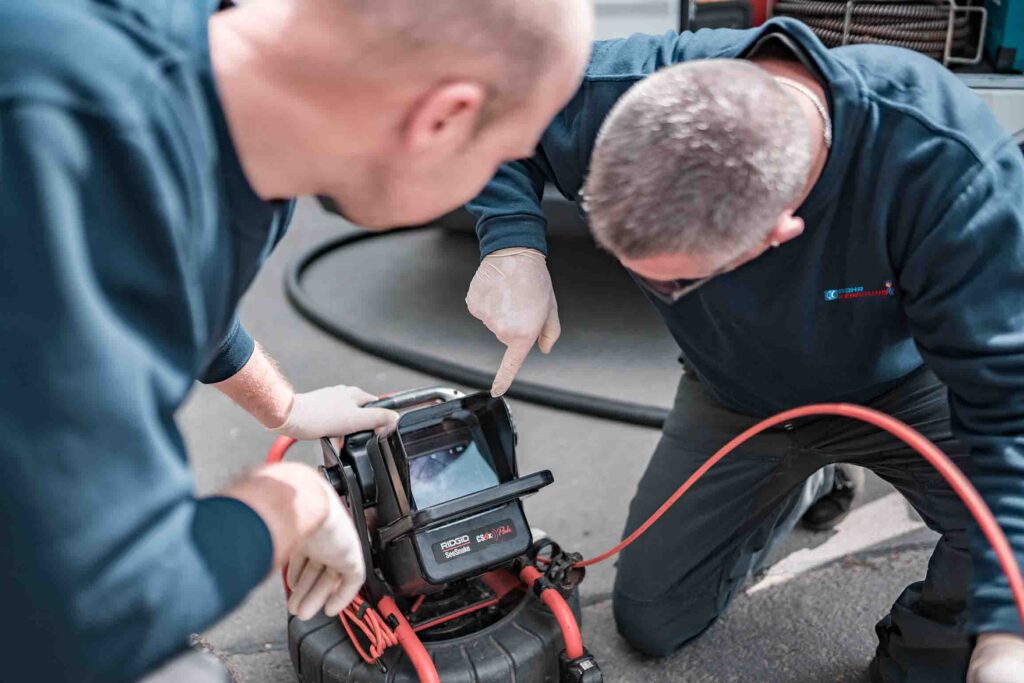
Rohrkameras ermöglichen eine TV Kanalinspektion, ohne Ihr Grundstück in Mitleidenschaft zuziehen.
Bei der Dichtheitsprüfung werden Kanäle mit Wasser oder Luft abgedrückt um Lecks im Abwassersystem zu orten.
Rufen Sie uns jetzt an: 030 5891 9100
Die Experten von CCRohrreinigung beraten Sie gerne persönlich.
Bei uns haben Sie die Möglichkeit, bequem auf Rechnung, mit Karte, per Paypal oder Bar zu zahlen. Dies bietet Ihnen die Sicherheit, die tatsächlich geleistete Arbeit nachzuvollziehen. Sie können den Betrag dann einfach in den nächsten Tagen überweisen oder sofort begleichen.
Da die Dauer der Reinigung von der Schwere und Tiefe der Verstopfung abhängt, lässt sich dies nicht pauschal beantworten. So kann eine leichte Verstopfung innerhalb von einer Stunde gelöst sein. Für eine schwerwiegendere Verstopfung des Abwassersystems wird deutlich mehr Zeit benötigt, hier sollten Sie mit bis zu drei Stunden rechnen.
Sollten Sie sofortige Hilfe benötigen, machen wir uns sofort auf den Weg zu Ihnen. Bei weniger dringlichen Aufträgen ist aber auch eine Terminabmachung möglich. Gleiches gilt auch für eine Kanalreinigung .
Die Kosten einer professionellen und seriösen Rohrreinigung hängen vom Zeitaufwand vor Ort ab. Maßgebend dafür ist die Lage der Verstopfung und die Ursache. Vermeintliche besonders „günstige Pauschal-Angebote“ sind daher mit Vorsicht zu genießen.
Wie viel Zeitaufwand in Ihrem Fall nötig ist, wissen wir nicht. Als groben Richtwert können Sie annehmen, dass der Großteil „normaler“ Verstopfungen in 45-90 Minuten behoben sind und netto Kosten von ca. 160 bis 250 EUR entstehen.
Für uns von CCRohrreinigung ist eine faire und transparente Preisgestaltung selbstverständlich. Lockangebote und faule Aussagen suchen Sie bei uns vergeblich, dafür bekommen Sie ein sauberes Handwerk, die bestverfügbare Technik und ein motiviertes, fachkompetentes Team mit Erfahrung. Dafür stehen wir mit unserem Namen.
Selbstverständlich erhalten Sie gerne unsere detaillierten Preise telefonisch oder als Angebot.
Im Laufe der Zeit ist es völlig normal, dass sich Ablagerungen aus Kalk, Fett und Seifenreste in den Rohren bilden. Besondere Umstände sind Einflüsse durch Wurzeleinwuchs sowie bauliche Mängel wie etwa zu wenig Leitungsgefälle oder nachträgliche Setzungen. All diese Faktoren reduzieren die Fließgeschwindigkeit des Wassers und beeinträchtigen die natürliche Reinigungswirkung. Erste Anzeichen für eine sich anbahnende Rohrverstopfung ist, wenn der Abfluss gluckert oder schlechter als gewohnt abläuft. Zögern Sie daher nicht uns bereits bei den ersten Anzeichen zu kontaktieren.
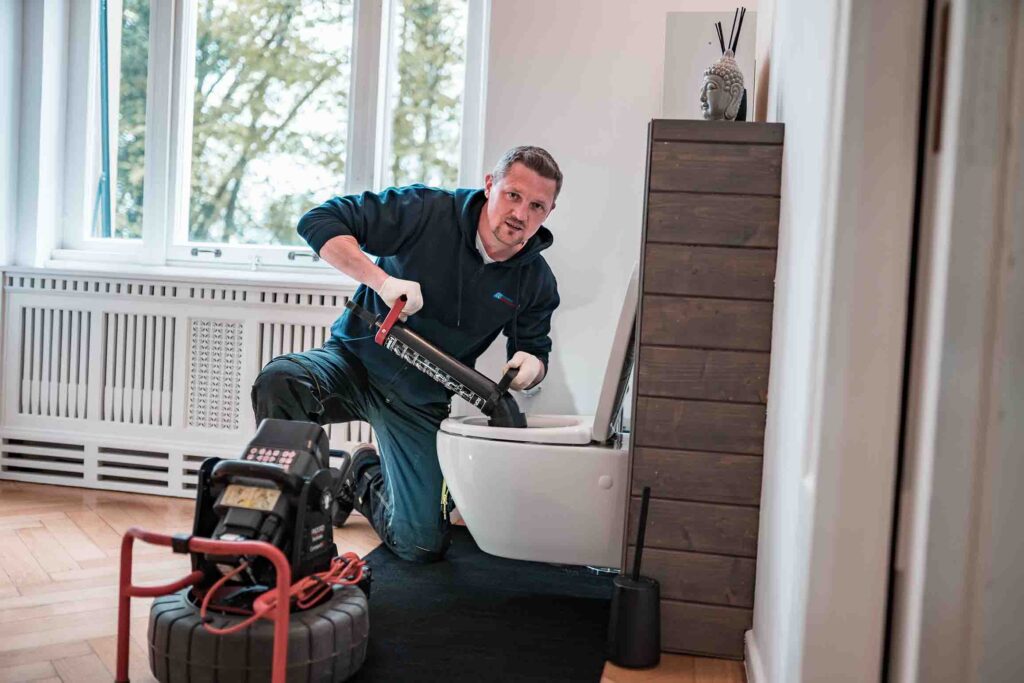
Wir haben unterschiedliche Methoden und Techniken, um die Rohre und Abflüsse wieder freizubekommen. Eine leichte Verstopfung lässt sich häufig mit einer Rohrreinigungsspirale lösen. Bei einer starken Verstopfung kommt eine Hochdruckspülung zum Einsatz.
Ja. Es gibt inzwischen eine Vielzahl technischer Möglichkeiten um Rohre und Kanäle von innen, also grabenlos, zu reparieren oder zu renovieren. CCRohrreinigung ist spezialisiert auf alle gängigen Reparatur- und Sanierungsverfahren, die im Bereich der Grundstücksentwässerung möglich sind. Wir verwenden ausschließlich DIBT-zugelassene Sanierungsmaterialien für die Rohr-in-Rohr-Sanierung. Wir beraten Sie kostenfrei und individuell nach Ihrem Bedürfnis. Wie freuen uns, wenn Sie uns kontaktieren.
Essig oder Natron helfen, wenn überhaupt, nur für kurze Zeit. Langfristigen Erfolg bietet nur eine professionelle Rohrreinigung.
Wir sind ein Handwerksbetrieb seit 2015. Kundenzufriedenheit steht bei uns an erster Stelle. Gerade in einer Branche, in der immer wieder schwarze Schafe in die Schlagzeilen geraten, ist uns Vertrauen sehr wichtig. Deshalb bieten wir transparente Preise, ohne versteckte Kosten. Wir arbeiten immer im Interesse des Kunden und sollte sich das Problem während unserer Anfahrt gelöst haben, verzichten wir auf eine Stornierungsgebühr. Uns ist es wichtig, nach erledigter Arbeit in die zufriedenen Gesichter unserer Kunden sehen zu können!
Wir von CCRohrreinigung setzen uns dafür ein, unsere Kunden optimal zu betreuen. Bei uns steht Ihre Zufriedenheit im Mittelpunkt – von der ersten Kontaktaufnahme bis zur Rechnungsabwicklung. Darauf können Sie sich verlassen:
Die Kosten für Rohrreinigungen hängen immer von mehreren Faktoren ab, zum Beispiel dem Grad und Ort der Verstopfung. Bei uns bezahlen Sie immerzu nur marktübliche und faire Preise, ganz ohne versteckte Kosten. Dafür stehen wir mit unserem Namen.
Übrigens: HEUTE, am Mittwoch von 14 bis 20 Uhr ist die Anfahrt kostenlos.
Rufen Sie uns jetzt an: 📞 030 5891 9100 Die Experten von CCRohrreinigung beraten Sie zu Fragen gerne persönlich.
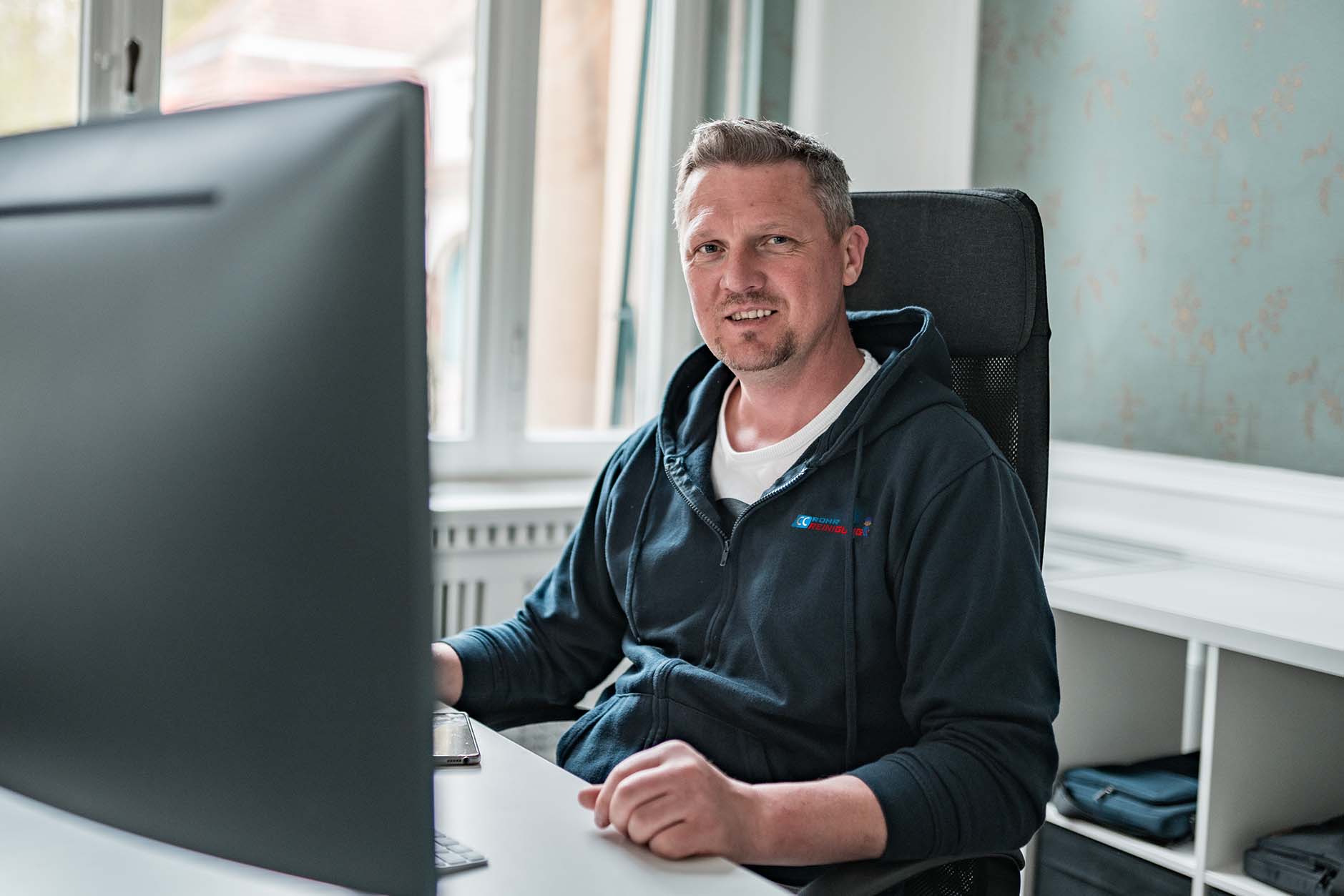
Cornelius Cremer
Datenschutz
Wir nutzen Cookies auf unserer Website. Einige von ihnen sind essenziell, während andere uns helfen, diese Website und Ihre Erfahrung zu verbessern. Wenn Sie unter 16 Jahre alt sind und Ihre Zustimmung zu freiwilligen Diensten geben möchten, müssen Sie Ihre Erziehungsberechtigten um Erlaubnis bitten. Wir verwenden Cookies und andere Technologien auf unserer Website. Einige von ihnen sind essenziell, während andere uns helfen, diese Website und Ihre Erfahrung zu verbessern. Personenbezogene Daten können verarbeitet werden (z. B. IP-Adressen), z. B. für personalisierte Anzeigen und Inhalte oder Anzeigen- und Inhaltsmessung. Weitere Informationen über die Verwendung Ihrer Daten finden Sie in unserer Datenschutzerklärung. Sie können Ihre Auswahl jederzeit unter Einstellungen widerrufen oder anpassen.
Datenschutz
Wenn Sie unter 16 Jahre alt sind und Ihre Zustimmung zu freiwilligen Diensten geben möchten, müssen Sie Ihre Erziehungsberechtigten um Erlaubnis bitten. Wir verwenden Cookies und andere Technologien auf unserer Website. Einige von ihnen sind essenziell, während andere uns helfen, diese Website und Ihre Erfahrung zu verbessern. Personenbezogene Daten können verarbeitet werden (z. B. IP-Adressen), z. B. für personalisierte Anzeigen und Inhalte oder Anzeigen- und Inhaltsmessung. Weitere Informationen über die Verwendung Ihrer Daten finden Sie in unserer Datenschutzerklärung. Hier finden Sie eine Übersicht über alle verwendeten Cookies. Sie können Ihre Einwilligung zu ganzen Kategorien geben oder sich weitere Informationen anzeigen lassen und so nur bestimmte Cookies auswählen.